Clock in and out
Record work shifts and review daily and weekly hours with a straightforward time clock.
Android closed testing underway
A personal time clock for people who put in the hours. Record shifts, understand estimated earnings, and stay organized from one workweek to the next.
Public Android release in progress. Earnings Locker is in closed testing; a public Google Play download is not yet available. Screens use illustrative sample data.

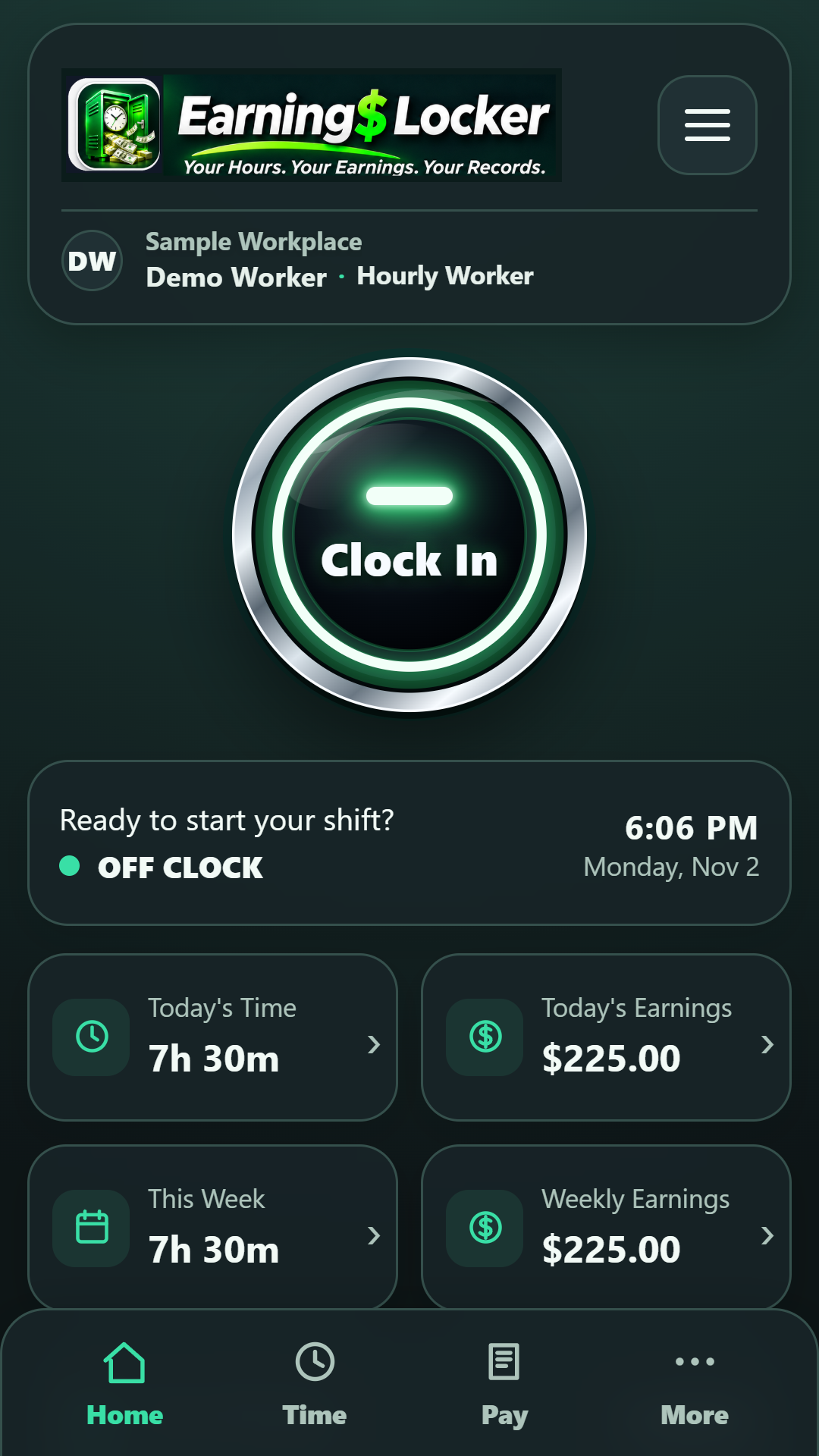
App interface preview · Illustrative example values
Built for the way you work
Trucking, construction, healthcare, retail, agriculture or any other job with changing hours: keep your own record of the time you put in.
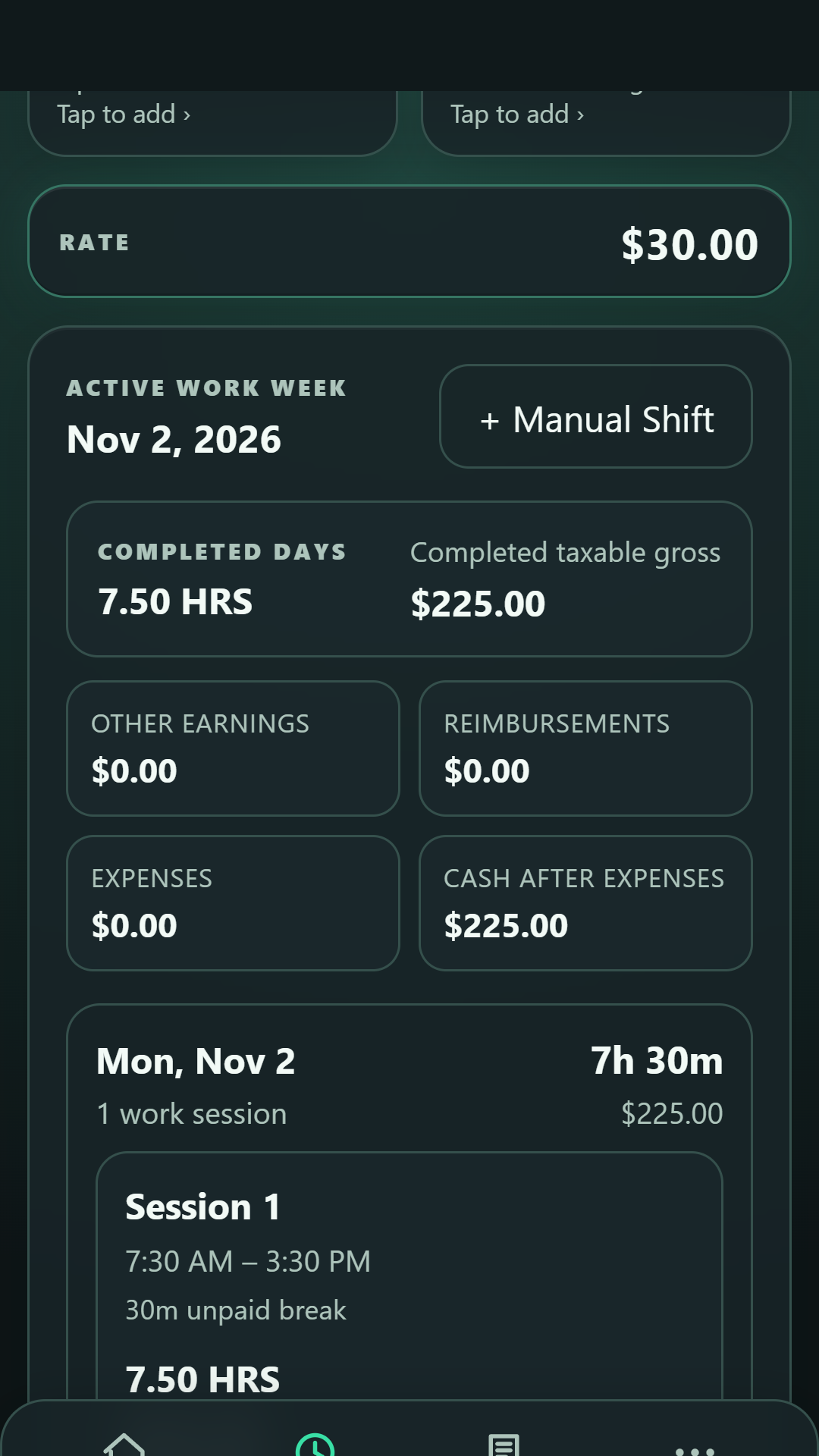
Record work shifts and review daily and weekly hours with a straightforward time clock.
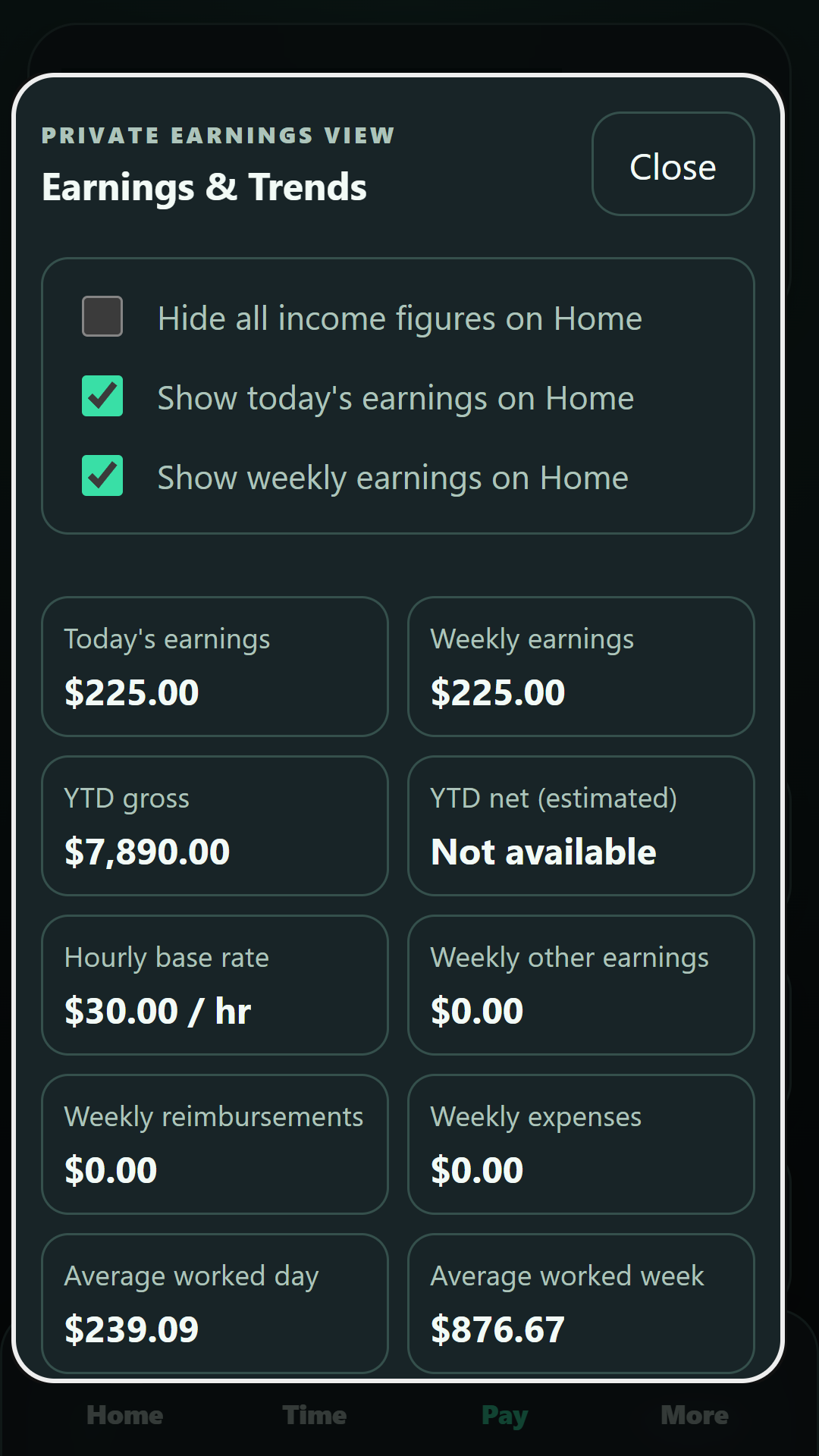
Use your selected pay settings to follow estimated earnings. Results are estimates, not official pay statements.
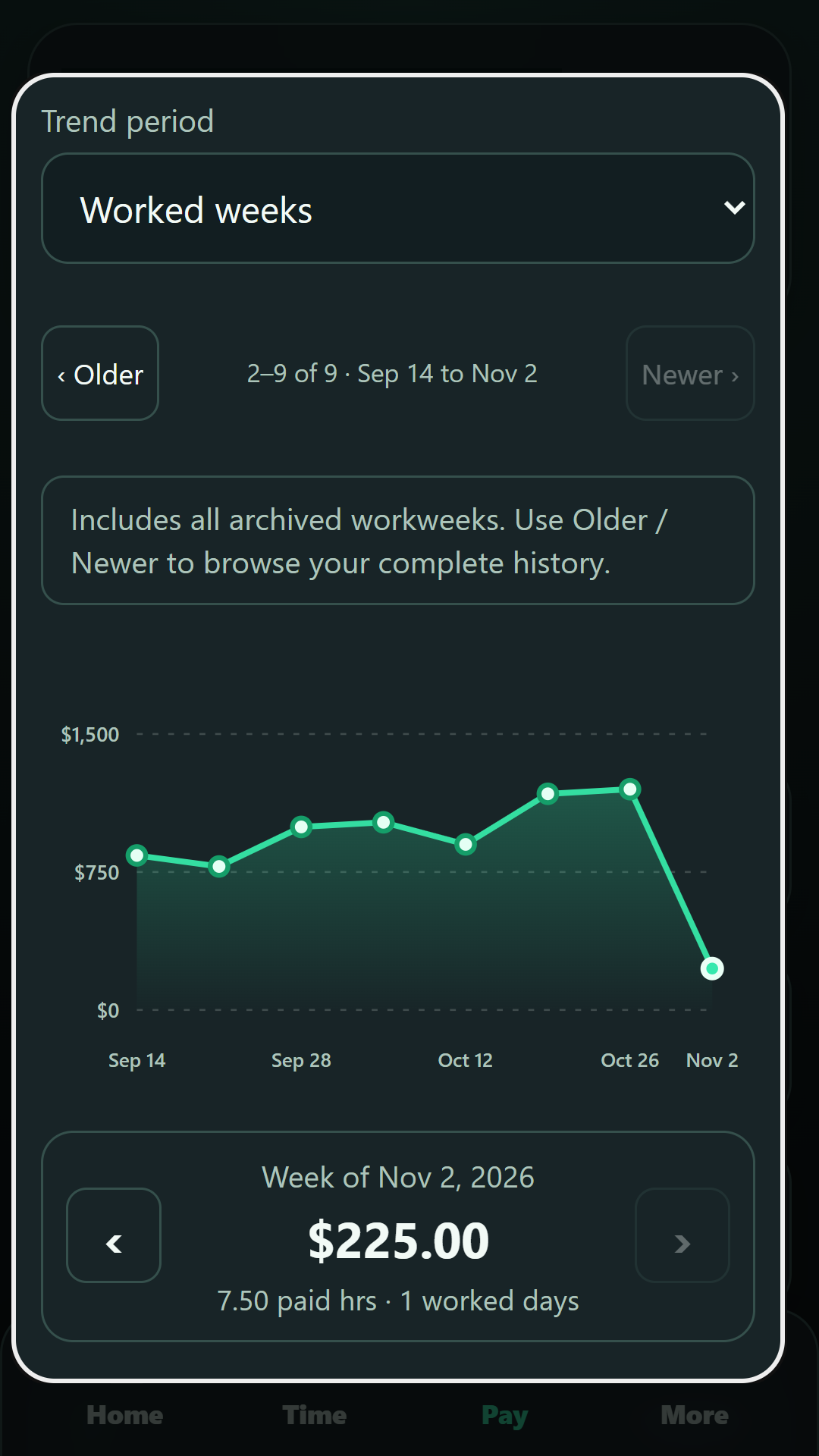
Explore visual earnings trends and compare example workweeks using the built-in graph.
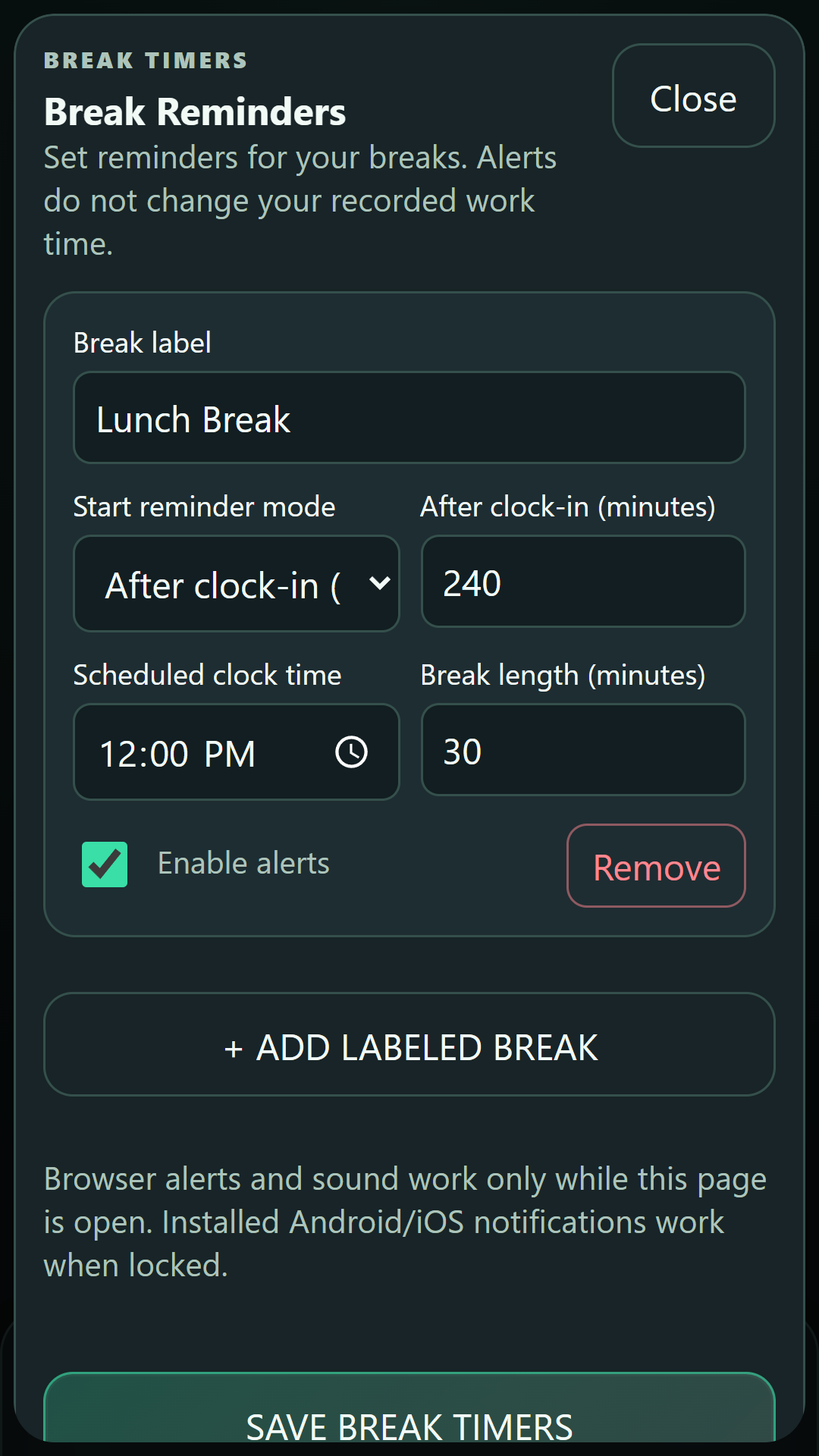
Use labeled break timers and reminders to keep your day organized.
Review shift history, weekly totals and available sharing or report options.
Core manual timekeeping works without a connection after initial account setup. Cloud synchronization is available when connected.
Built to feel like yours
Explore profession-themed designs, including trucking, construction, agriculture and healthcare. Select light or dark styling or customize your background.
Personalization options and the sample settings shown may vary by app version.
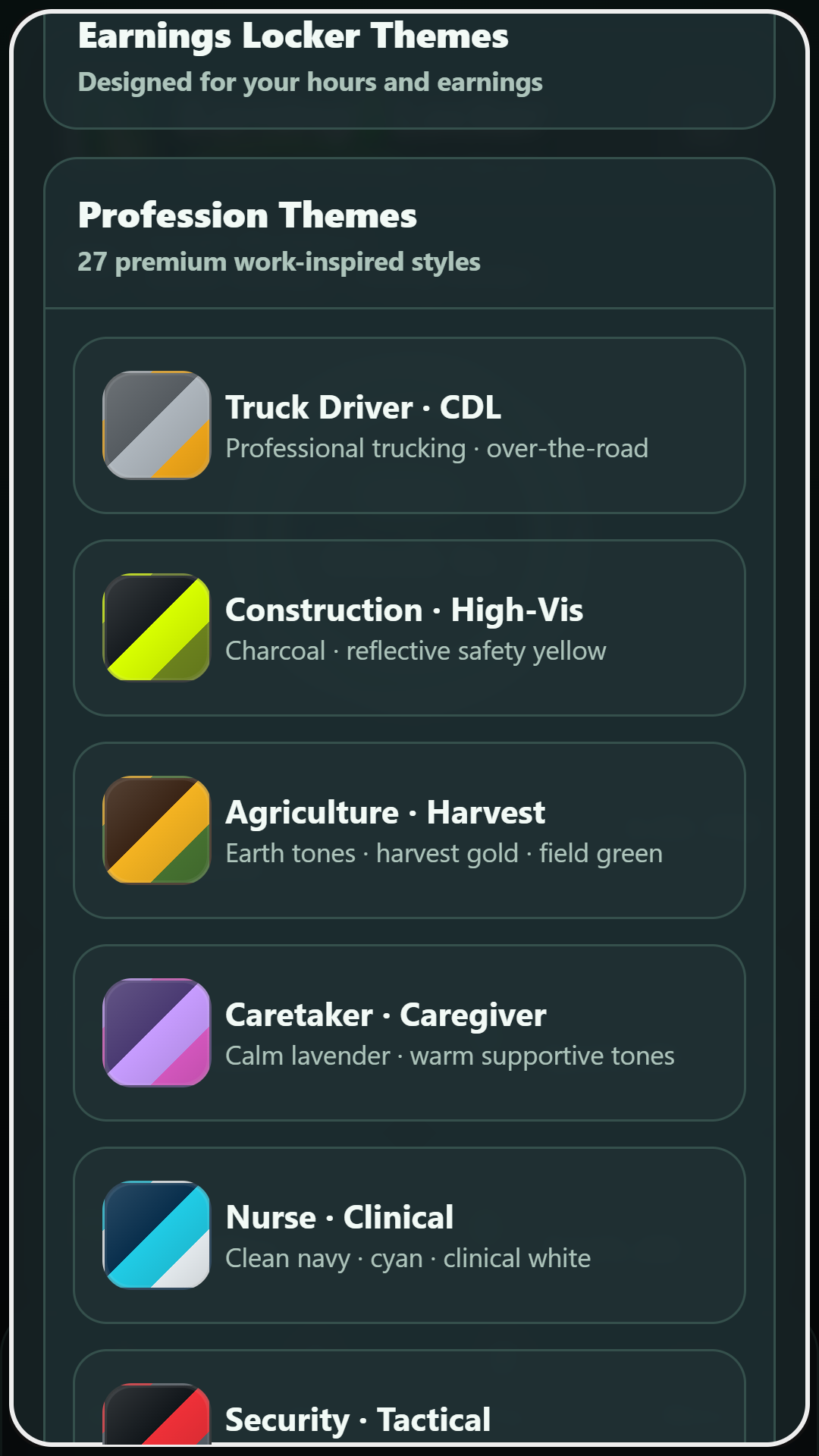
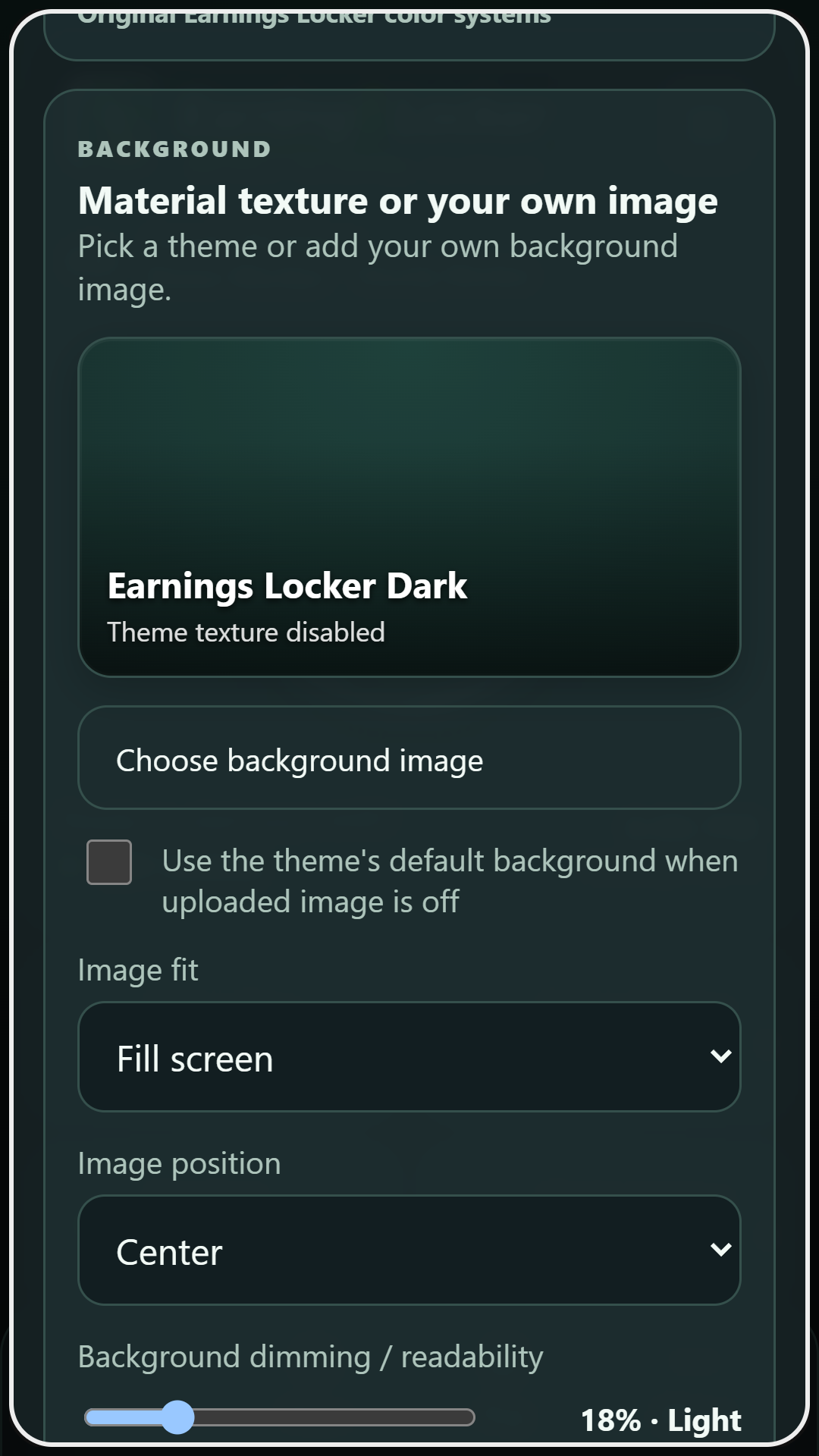
Inside the app
Approved app-interface previews with demonstration data, not a live account. Release layouts may differ slightly from these images.
Simple options
These are the planned Android options. Public installation and the Lifetime Pro purchase flow are not yet live.
Free
Track work hours and estimated earnings with an ad-supported experience when ads are available.
Public download coming after Google Play approval.
Lifetime Pro · Planned
The same core time-tracking tools without advertisements, once secure purchase and restore testing is complete.
Not available for purchase yet. Price and availability subject to the final Play release.
Getting started
Sign in or create an account, then configure your work and pay settings in the setup flow.
Use the main clock control to start and end work; review your hours and any breaks afterward.
Open weekly records and the earnings graph to understand your time and estimated pay over time.
More detailed help and video tutorials will be added as release testing finishes.
Follow the launch
We'll post practical app demos, release updates and setup tips as our official social profiles are confirmed.
We're here to help
Find help, privacy information and account-deletion instructions on our existing official support site. These links remain available during closed testing.
Don't send passwords, purchase tokens, unredacted pay documents or sensitive work records through email.